
Signavique
Google Workspace email signatures
Make Gmail signatures consistent across your organisation with approved designs, accurate contact details and a practical installation checklist.
Client-side installation. Mail-server stamping is not currently available.
Create a clear Gmail signature
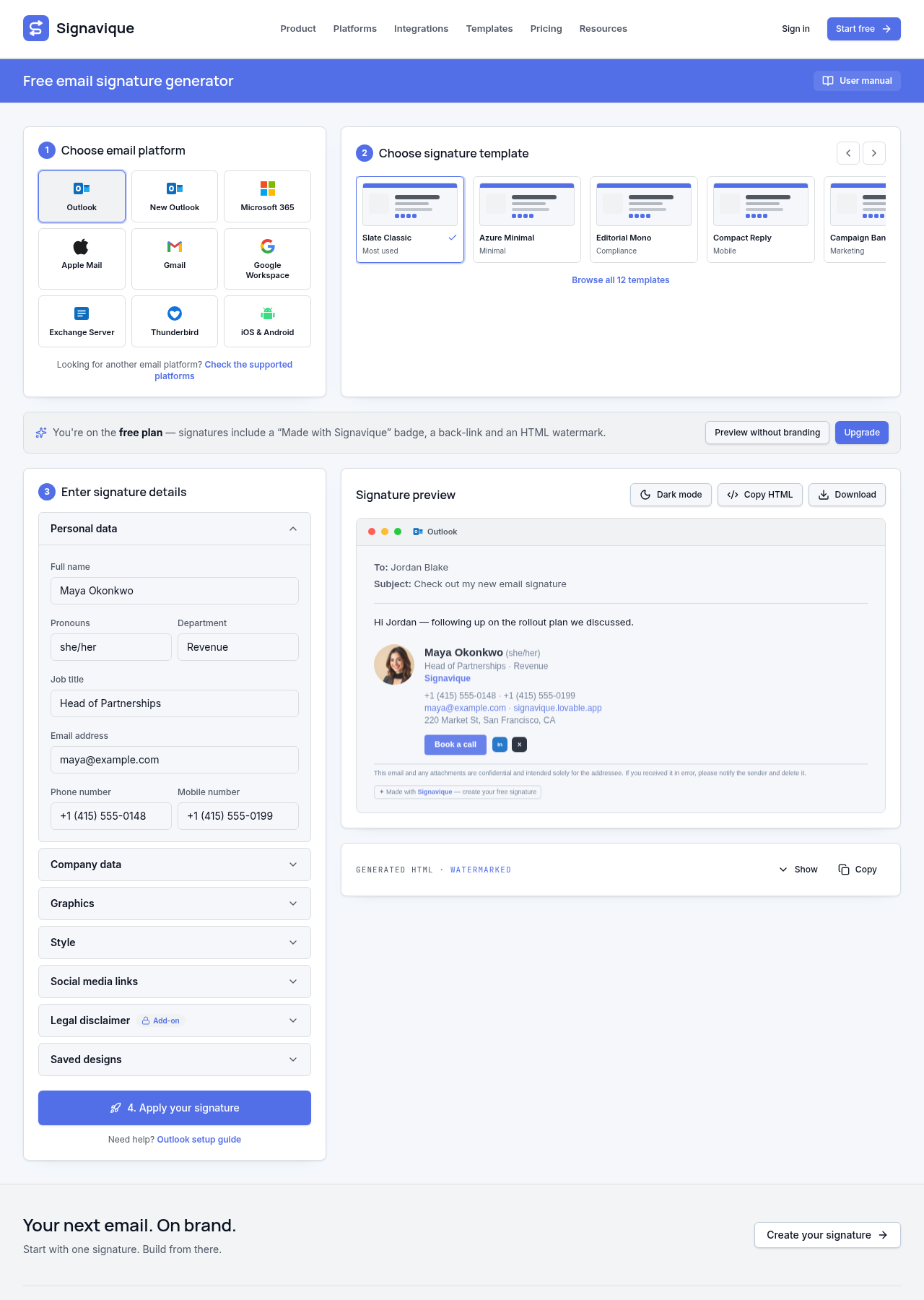
Choose a template with a readable name, title, company and essential contact links. Keep promotional content focused and avoid too many large images. Create a separate compact layout if your team wants shorter replies, then select the appropriate default in the mail client.
Prepare your Workspace directory
Google Workspace directory imports require administrator setup and delegated credentials. Review imported users and departments before rollout. Signavique’s directory connection imports people; it does not automatically write every Gmail send-as signature or enforce outgoing messages.
Install and test in Gmail
Copy your generated signature into Gmail’s signature settings and choose the defaults for new emails and replies. Review each send-as address separately. Mobile Gmail settings can behave differently from Gmail in a browser, so test the actual apps your team sends from.
Common questions
Does this enforce signatures across all Google Workspace senders?
No. Current installation is client-side. Outgoing mail routing and universal signature enforcement are not available.
Can personal Gmail accounts use the generator?
Yes. Individuals can create a signature without an account and install it in Gmail. Organisation directory imports are a separate administrator workflow.
Discuss your signature needs
Tell us about your organisation and email platforms.