
Signavique
Email signature management
Bring your people, approved designs and brand details together. Create email-safe signatures and give your team a clear path from design to mail-client installation.
Client-side installation. Mail-server stamping is not currently available.
What should company-wide signature management include?
A consistent layout is only the starting point. Agree which contact fields people can change, who approves legal wording, where images are hosted and which departments need their own designs. Signavique brings saved designs, people, departments and permission-based workspace administration together.
Create a repeatable rollout
Start with a representative pilot: one person from each department and each mail client. Confirm names, phone numbers, links and image appearance, then share the approved HTML and installation guide. Workspace rules organise targeting and approvals inside Signavique; they do not apply signatures to outgoing mail.
Keep marketing relevant
Add a banner and a dedicated campaign link when your message has a useful next step. Scheduled campaigns and tracked links help measure visits. Updating an installed signature or a message already sent still requires separate action; automatic transport replacement is not available.
Common questions
Does Signavique stamp every outgoing email?
No. Current deployment uses exported HTML and mail-client installation. Directory imports and approved workspace rules are not a mail-routing service.
Can individuals start without an account?
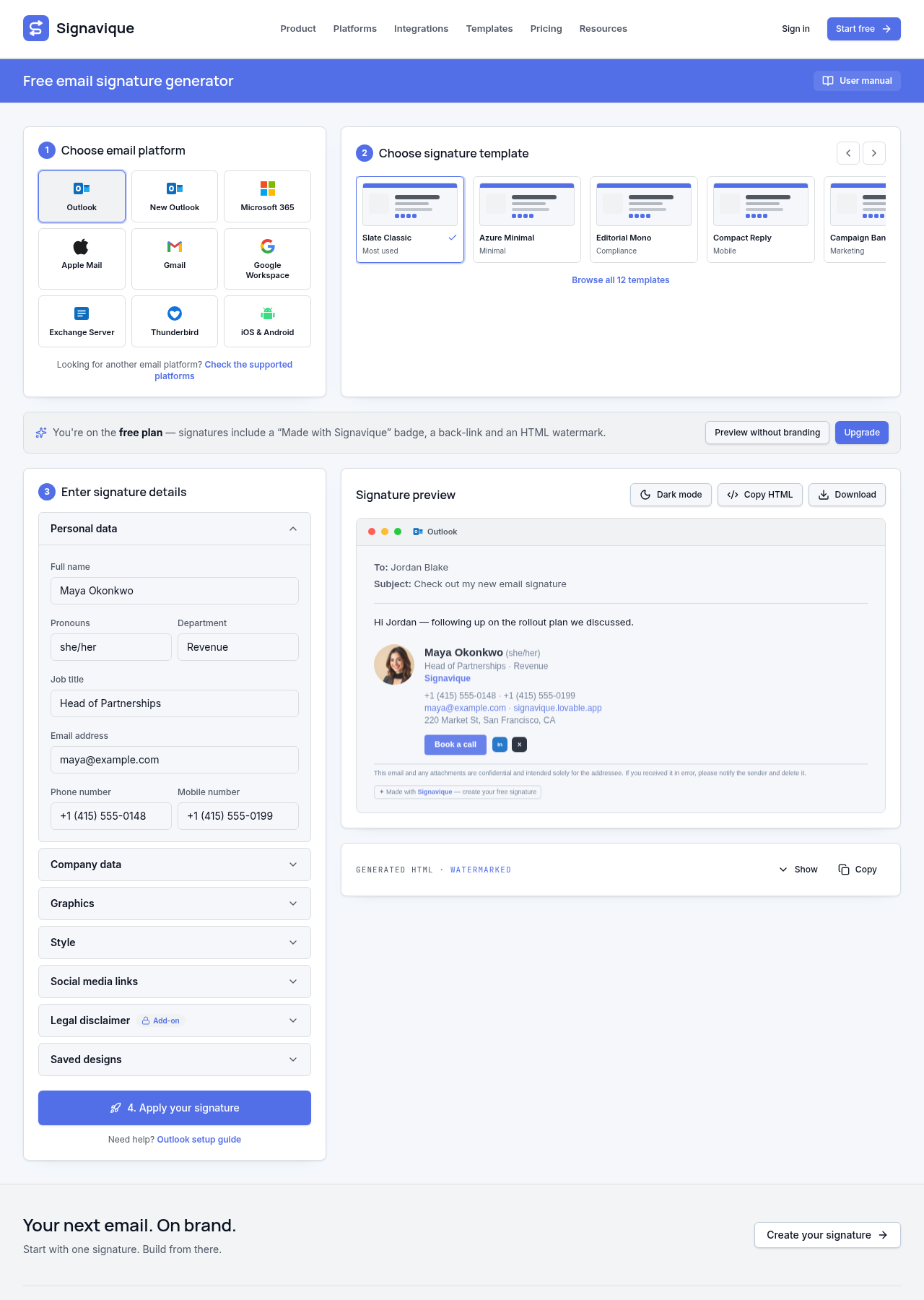
Yes. The free generator creates copy-ready signatures without registration. Free exports include Signavique attribution.
Discuss your signature needs
Tell us about your organisation and email platforms.